Meta Title: What Is a VPN and How Does It Work? Benefits, Types, and Security Explained
Meta Description: Learn what a VPN is, how it works, the different types of VPNs, their benefits, limitations, and why VPNs are important for online privacy and security.
What Is a VPN and How Does It Work? A Complete Guide
As cyber threats continue to increase and concerns about online privacy grow, more people are turning to Virtual Private Networks (VPNs) to protect their internet activities. Whether you’re working remotely, using public Wi-Fi, or simply wanting more privacy online, a VPN can help secure your data and browsing sessions.
But what exactly is a VPN, and how does it work?
In this guide, we’ll explain what a VPN is, how VPN technology works, the different types of VPNs, their benefits, limitations, and best practices for using them.
What Is a VPN?
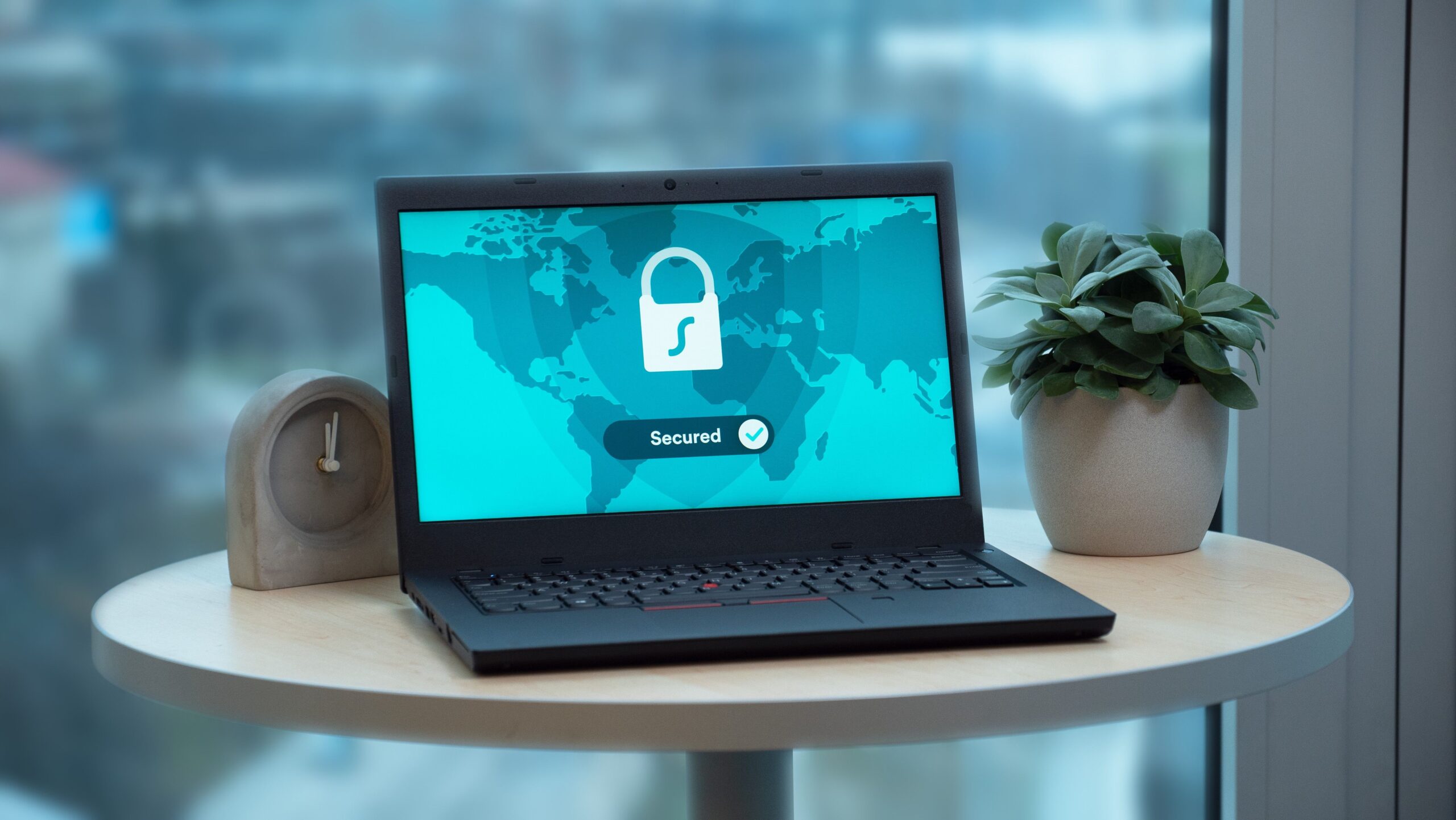
A Virtual Private Network (VPN) is a technology that creates a secure, encrypted connection between your device and the internet.
A VPN helps:
- Protect online privacy
- Encrypt internet traffic
- Hide IP addresses
- Secure public Wi-Fi connections
- Prevent data interception
Instead of connecting directly to websites, your internet traffic passes through a secure VPN server first.
This process helps improve both privacy and security.
Why Are VPNs Important?
Without a VPN, your internet activity may be visible to:
- Internet Service Providers (ISPs)
- Hackers
- Advertisers
- Network administrators
- Cybercriminals using public Wi-Fi
VPNs provide an additional layer of protection by encrypting data and masking your identity.
How Does a VPN Work?
A VPN works by creating an encrypted tunnel between your device and a VPN server.
Step 1: Connect to a VPN Server
Your device establishes a connection with a VPN provider.
Step 2: Data Encryption
All internet traffic is encrypted before leaving your device.
Step 3: Traffic Travels Through the VPN Tunnel
Encrypted data passes securely through the VPN server.
Step 4: Websites See the VPN Server
Instead of your real IP address, websites see the VPN server’s IP address.
Step 5: Secure Communication
Responses are encrypted and sent back through the secure tunnel.
This process protects your online activities from eavesdropping.
What Does a VPN Protect Against?
VPNs help reduce risks associated with:
Public Wi-Fi Attacks
Hackers often target unsecured networks.
Man-in-the-Middle Attacks
Encryption makes intercepted traffic unreadable.
ISP Tracking
Internet providers have limited visibility into browsing activities.
Data Snooping
Sensitive information remains protected.
IP Address Exposure
VPN servers mask your real location.
However, VPNs do not replace antivirus software or firewalls.
Types of VPNs
Remote Access VPN
Remote access VPNs allow users to securely connect to corporate networks from anywhere.
Common users include:
- Remote employees
- Freelancers
- Business travellers
Site-to-Site VPN
Site-to-site VPNs connect multiple office locations securely.
Benefits include:
- Secure branch communication
- Centralised resources
- Encrypted connections
Large organisations frequently use site-to-site VPNs.
Personal VPN
Personal VPN services focus on privacy and internet security.
These VPNs are commonly used by:
- Home users
- Travellers
- Remote workers
Mobile VPN
Mobile VPNs maintain secure connections while users switch networks.
They are ideal for:
- Smartphones
- Tablets
- Field workers
Common VPN Protocols
OpenVPN
One of the most trusted and widely used protocols.
Advantages
- Strong encryption
- High security
- Open-source
WireGuard
A modern protocol designed for speed and simplicity.
Benefits
- Faster performance
- Strong security
- Efficient codebase
IKEv2/IPsec
Popular among mobile users.
Advantages
- Stable connections
- Fast reconnection
L2TP/IPsec
Provides encryption and tunnelling capabilities.
Although still used, newer protocols offer better performance.
Benefits of Using a VPN
Enhanced Privacy
VPNs hide your IP address and encrypt traffic.
Secure Public Wi-Fi Usage
Encryption protects against attackers.
Improved Remote Work Security
Employees can access business networks safely.
Data Protection
Sensitive information remains secure during transmission.
Reduced Tracking
Third parties have less visibility into browsing activities.
Bypassing Geographic Restrictions
VPNs allow users to connect through servers in different regions.
VPN vs Proxy
| VPN | Proxy |
|---|---|
| Encrypts traffic | Usually no encryption |
| Protects entire device | Protects specific applications |
| Strong privacy | Limited privacy |
| Better security | Faster but less secure |
VPNs provide stronger protection than proxies.
VPN vs Antivirus
VPN
Protects internet traffic and privacy.
Antivirus
Detects and removes malware.
Both technologies address different security concerns and work best together.
VPN vs Firewall
VPN
Secures communications and encrypts traffic.
Firewall
Filters network traffic and blocks unauthorised access.
Combining both technologies improves overall cybersecurity.
Limitations of VPNs
VPNs are powerful tools, but they have limitations.
VPNs Do Not:
- Stop malware infections
- Prevent phishing attacks
- Replace antivirus software
- Guarantee complete anonymity
Users still need strong cybersecurity practices.
VPN Best Practices
Choose Trusted VPN Providers
Reliable providers offer stronger security.
Enable Kill Switch Features
Kill switches disconnect internet access if VPN connections fail.
Use Strong Authentication
Multi-factor authentication adds extra protection.
Keep Software Updated
Updates improve security and performance.
Use Secure Protocols
OpenVPN and WireGuard are among the most trusted options.
Combine VPNs with Other Security Tools
Use:
- Antivirus software
- Firewalls
- Endpoint protection
Layered security provides better protection.
VPNs and Remote Work
VPNs have become essential for remote work environments.
They help:
- Protect corporate resources
- Secure sensitive information
- Prevent unauthorised access
- Enable encrypted communication
Businesses increasingly rely on VPN technology for hybrid workforces.
Future Trends in VPN Technology
WireGuard Adoption
WireGuard continues gaining popularity.
Zero Trust Network Access (ZTNA)
ZTNA is gradually complementing traditional VPNs.
Cloud-Based Security
Cloud-native solutions are becoming more common.
AI-Powered Security
Artificial intelligence improves threat detection.
Identity-Centric Access Controls
Identity verification will play a larger role in secure connectivity.
These trends are reshaping secure remote access.
Frequently Asked Questions
What is a VPN?
A VPN is a technology that creates an encrypted connection between your device and the internet, improving privacy and security.
How does a VPN work?
A VPN encrypts your internet traffic and routes it through a secure server, masking your IP address.
Are VPNs safe?
Yes, reputable VPN services provide strong encryption and improve online privacy.
Does a VPN protect against hackers?
VPNs help protect against certain threats, especially on public Wi-Fi, but they do not replace antivirus software or firewalls.
Conclusion
VPNs have become essential tools for protecting online privacy and securing internet connections. By encrypting traffic and hiding IP addresses, VPNs help users reduce risks associated with public networks and data interception.
While VPNs are not complete cybersecurity solutions, they play a critical role when combined with firewalls, antivirus software, and strong security practices. As remote work and privacy concerns continue growing, VPN technology will remain an important component of modern cybersecurity.